
No Z
No Z is a focused macOS utility for preventing sleep during long-running work — downloads, backups, renders, and transfers — with clear, visible feedback while it's active. Start it from the menu bar, set a duration if you need one, and always see exactly what's happening and when your Mac will sleep again.
available for Mac
Screenshots
About No Z
Most "keep awake" apps turn sleep off and leave you guessing. No Z makes it explicit.
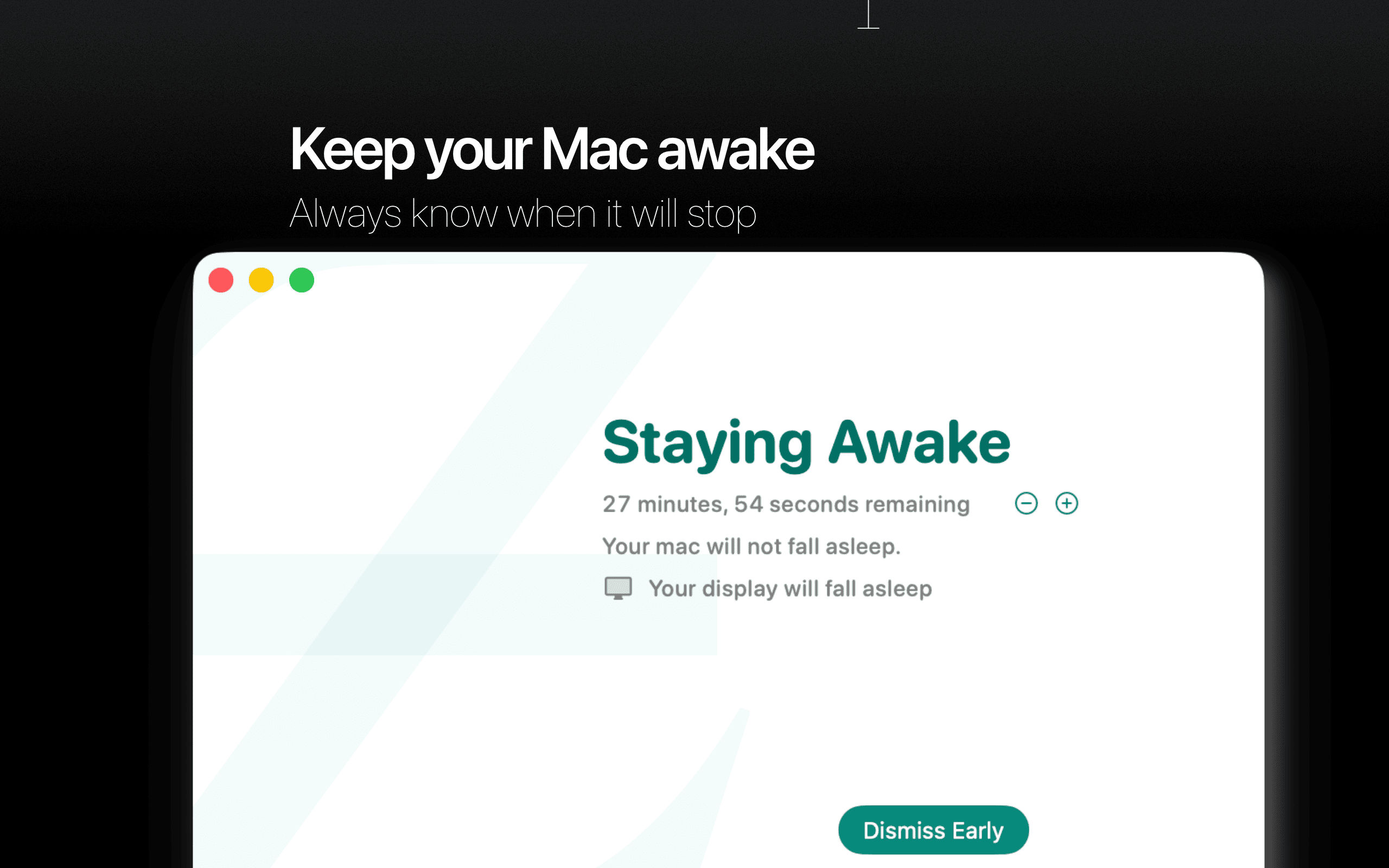
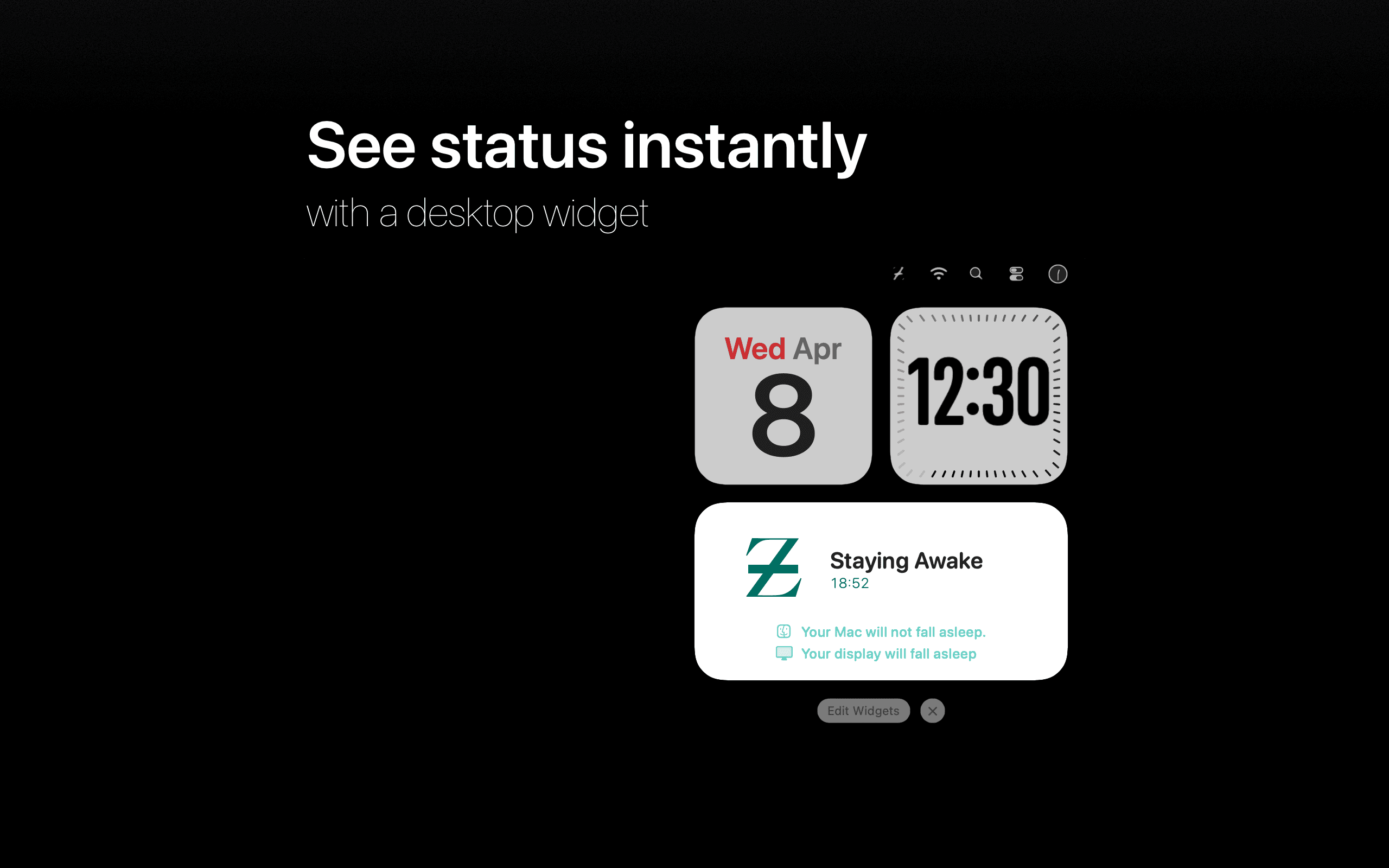
Start a session in one click, optionally set a timer, and see exactly how long your Mac will stay awake — live, while it's running. A floating Staying Awake window shows current state, time remaining, and what will and won't sleep. No guesswork. No ambiguity.
Clear control from the menu bar
-
Start or stop instantly
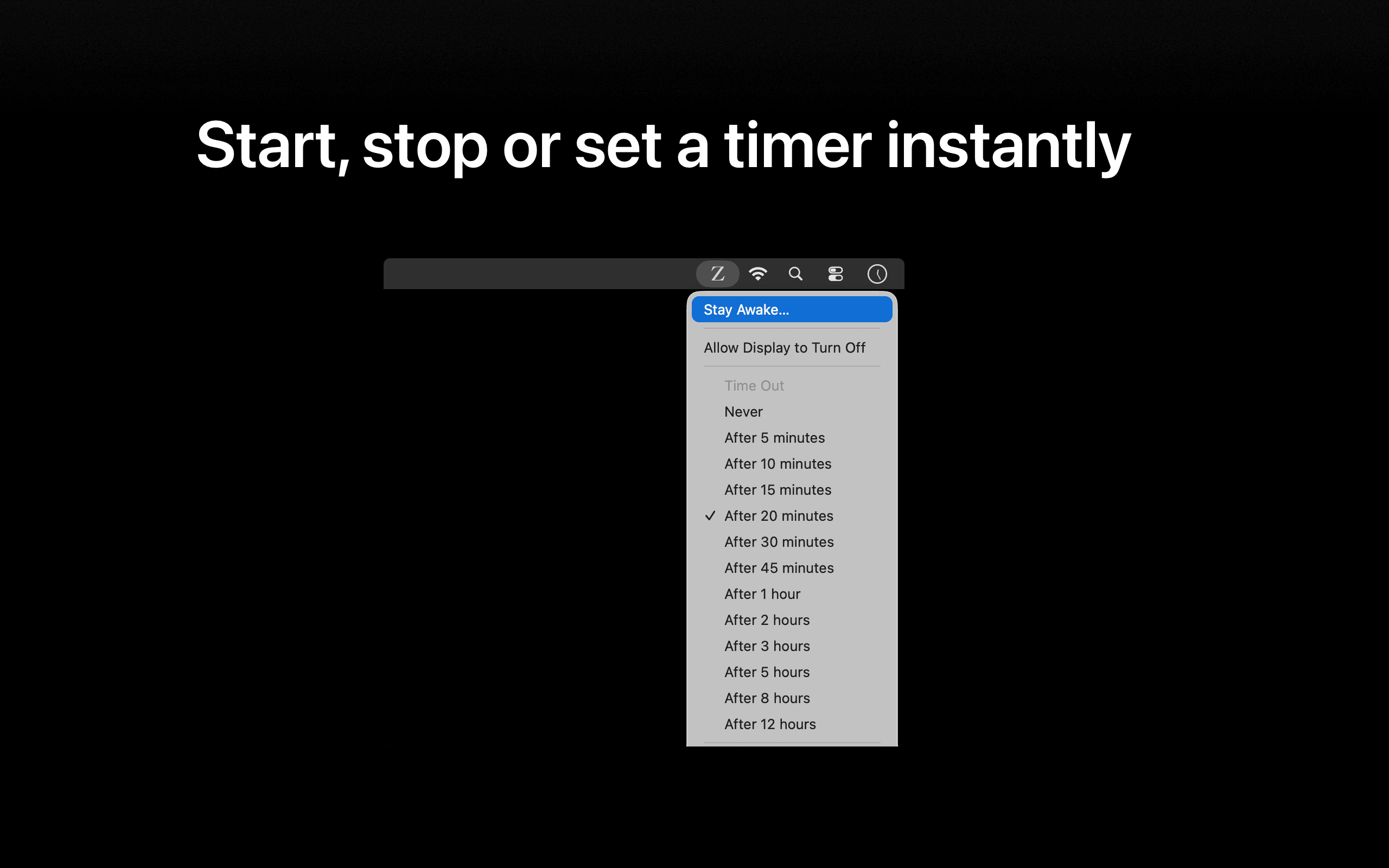
No Z lives in your menu bar. One click to start, one click to stop — no digging through settings or preferences. -
Timed or indefinite sessions
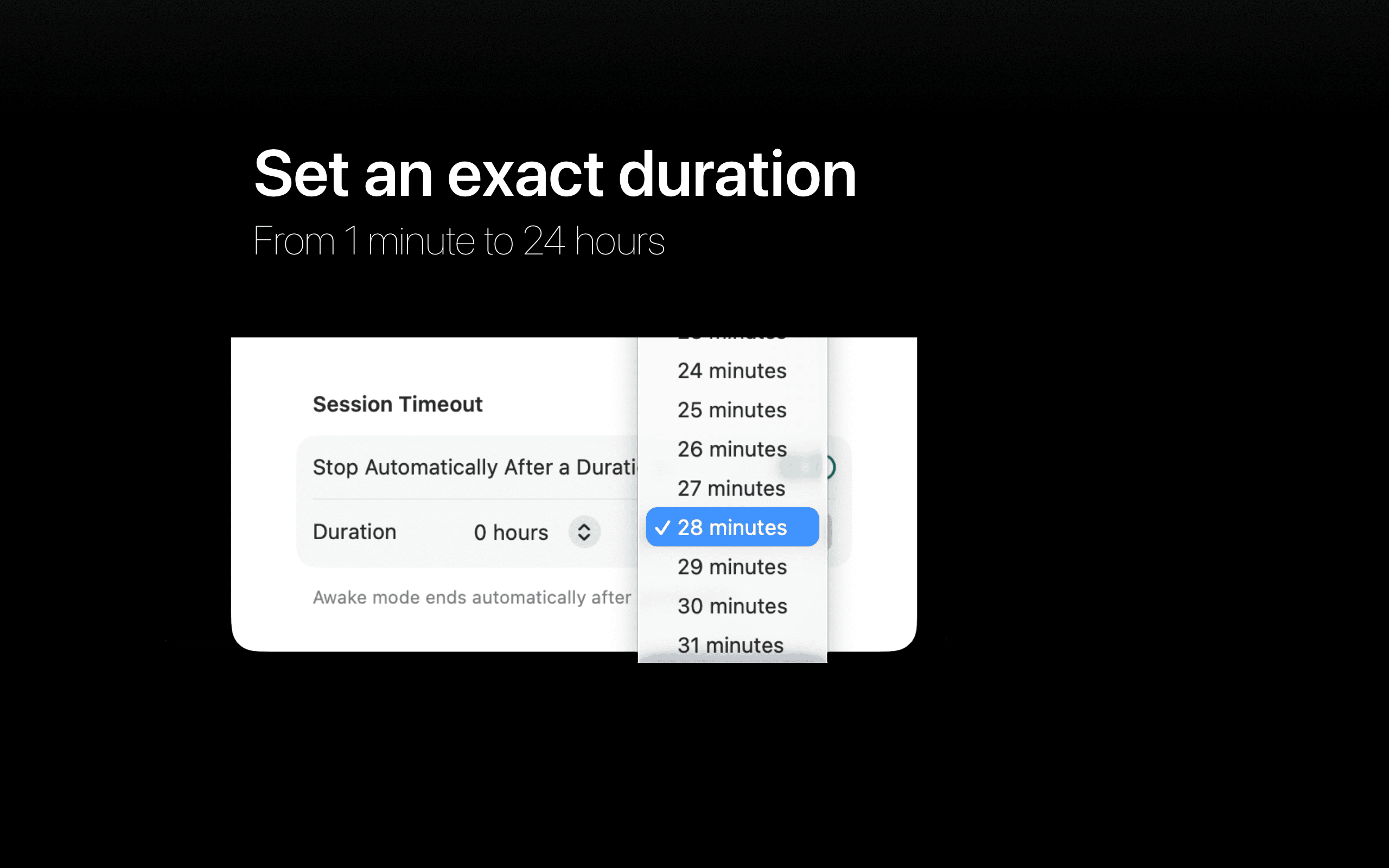
Run until you stop it, or set a precise duration from 1 minute to 24 hours. Quick 5-minute adjustments let you extend a running session on the fly. -
Visible, trustworthy feedback
The floating Staying Awake window shows a live countdown for timed sessions, so you always know when your Mac will sleep again — without checking System Settings. -
Display sleep control
Choose whether the display stays on or turns off while your Mac stays awake, and see that choice reflected everywhere.
Wherever you are
-
Widgets
Small and medium widgets show whether No Z is active and, for timed sessions, how much time is left — without opening the app. -
Apple Shortcuts and Siri
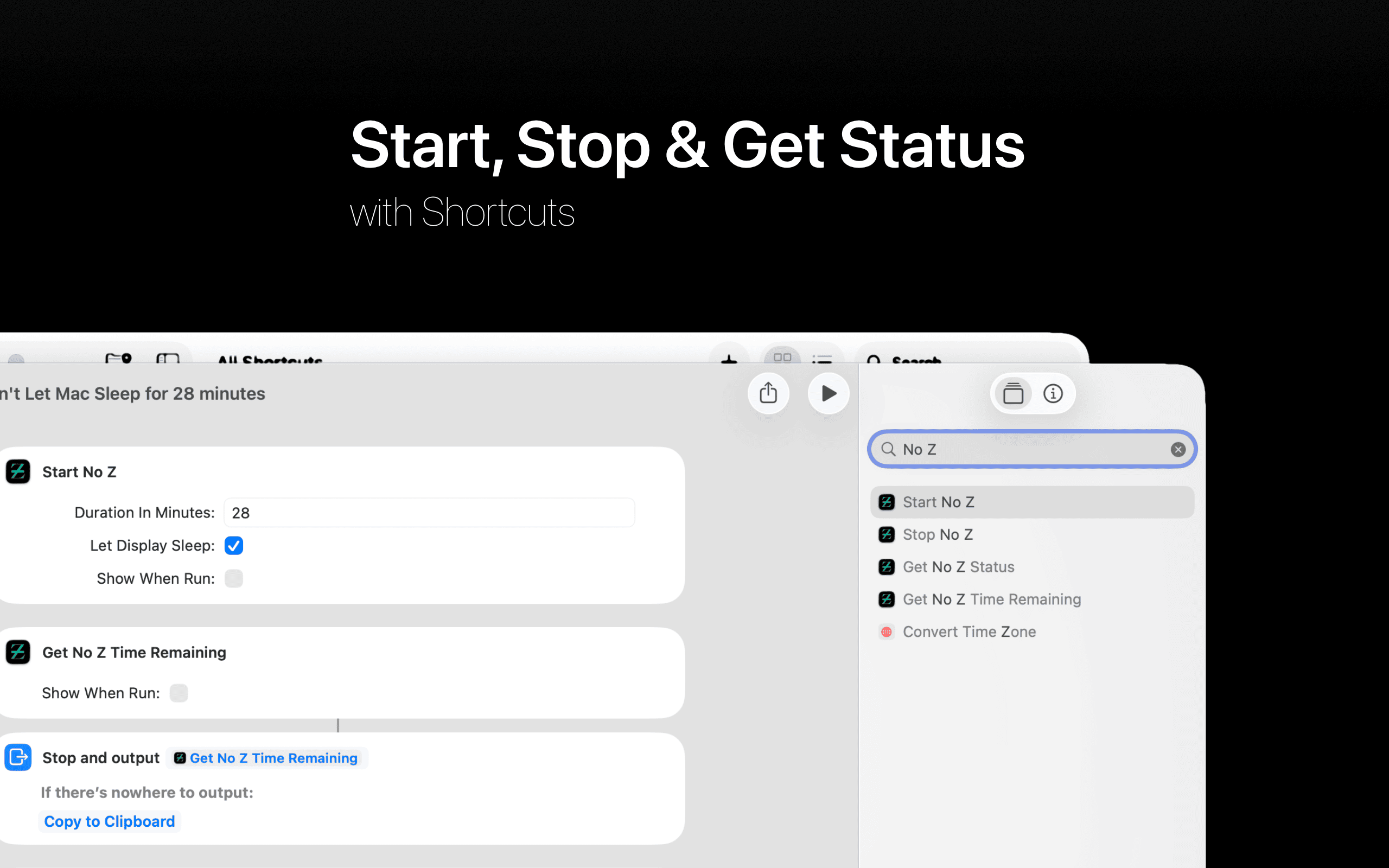
Start a session, stop a session, check status, and get remaining time — all from Shortcuts or Siri. -
Themes
Choose a visual theme for the window and widgets. Everything stays consistent and readable at a glance. -
Launch at login
Set No Z to start automatically so it's always ready when you need it.
Built for when it matters
No Z is built for situations where sleep would interrupt real work:
- large downloads and uploads
- backups and migrations
- long file transfers
- renders and exports
- unattended background tasks and scripts
Under the hood, No Z uses macOS's built-in caffeinate. It doesn't add new
behavior — it makes that behavior visible, controllable, and predictable.
Optional tip jar
No Z includes an optional tip jar for people who want to support development. No features are locked, no subscriptions required. The app works fully without tipping.